

 IntelliPM
 IntelliPayroll
Launch your organization
Create a workspace, invite people with roles, and unlock IntelliPM under one secure login—ready in minutes, not weeks.
 AI-ready project workspace
Plan projects, manage tasks, track time, and collaborate in one place—then extend into documentation, delivery ops, and people systems as you grow with IntelliPM.
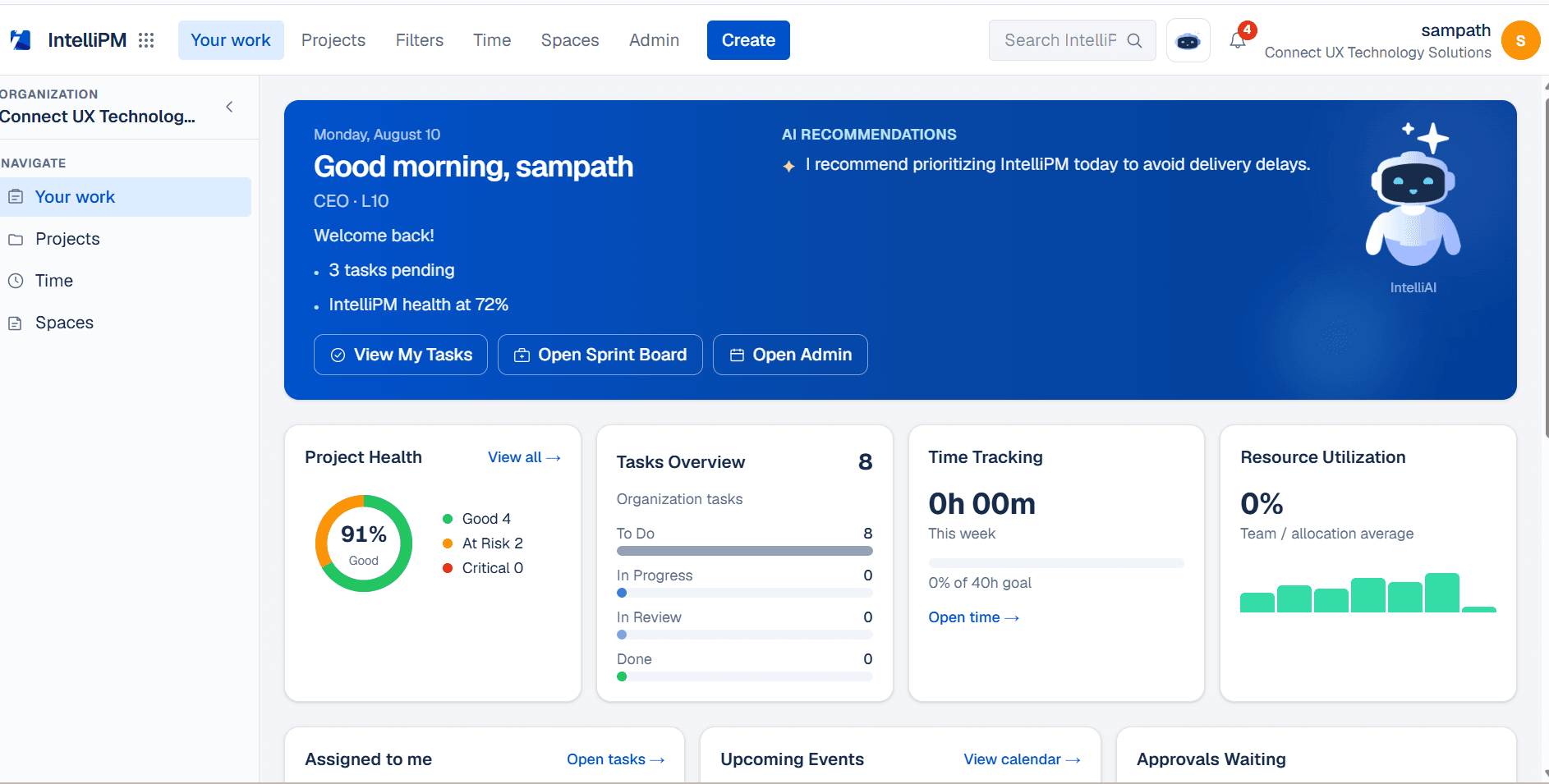
From setup to launch, follow a clear path—stand up your org, structure how you ship, then connect docs, ops, and people without switching platforms.
Get startedCreate a workspace, invite people with roles, and unlock IntelliPM under one secure login—ready in minutes, not weeks.
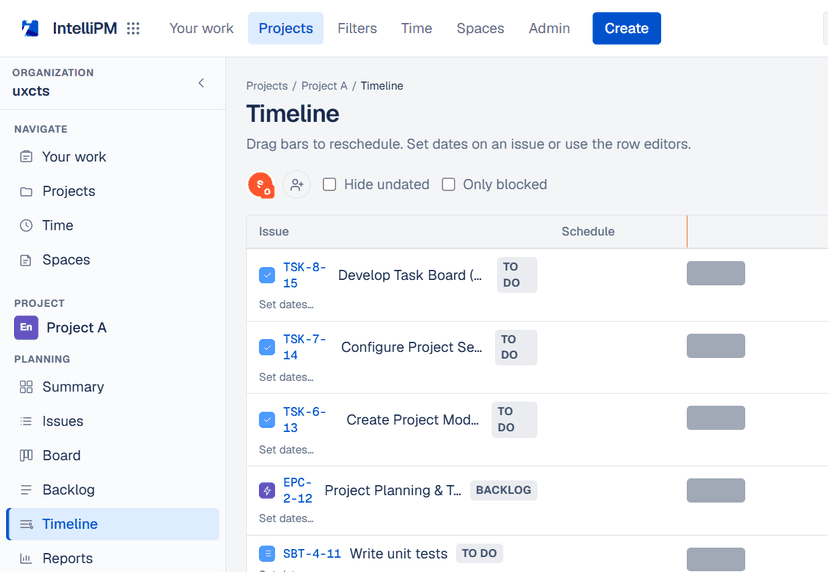
Model epics, stories, and bugs with typed keys, then run boards, sprints, and timelines so every engineer sees the same plan.
Attach decisions in Docs, commercials in Ops, and people data in HR/Payroll so delivery doesn’t end at “Done” on a board.
Not another “boards + AI” checklist—capabilities that keep work, time, and truth in one motion.
Epics → stories → bugs with living keys (e.g. BUG-1-3), parent links, and dependency chains that survive reorgs.
Drag work, groom the backlog, and make progress obvious—so standup isn’t a second source of truth.
Commit capacity, ship against that commit, and see what slipped—without rewriting the story in slides.
Timeline + dependency views flag sequencing risk before the calendar date becomes a surprise.
Saved filters and live reports so leadership, PMs, and engineers share the same picture of load and health.
Start timers on the issue and roll hours into timesheets—estimates meet actuals without a side spreadsheet.
Comments, mentions, and history stay on the work item—not scattered across Slack threads you’ll never find again.
Invites, roles, branding, and workspace settings in one place—same membership model as Docs, Ops, and HR.
Ask IntelliPM
Not sure? Pick a starting point — we’ll ask a few details, then show a sample plan.
How work moves inside IntelliPM—boards, issue detail, and reporting from one source of truth.
Description, status, assignees, estimates, links, and children in one place—so engineers don’t bounce between tools mid-task.
Configure columns to how your team ships (To do → In progress → Review → Done) without forcing a rigid process.
Project reports and filters answer load, blockers, and throughput when stakeholders ask—live from the same data.
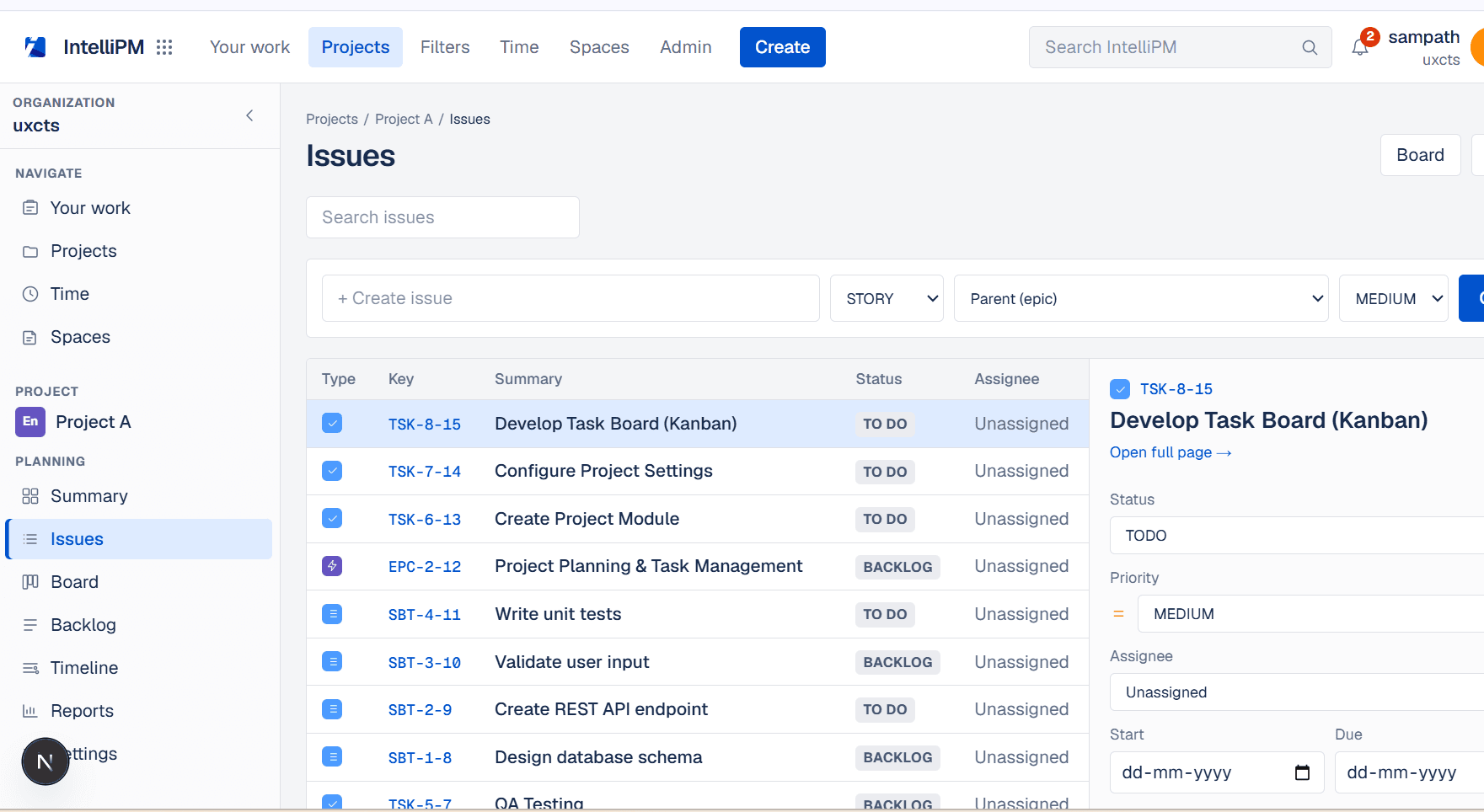
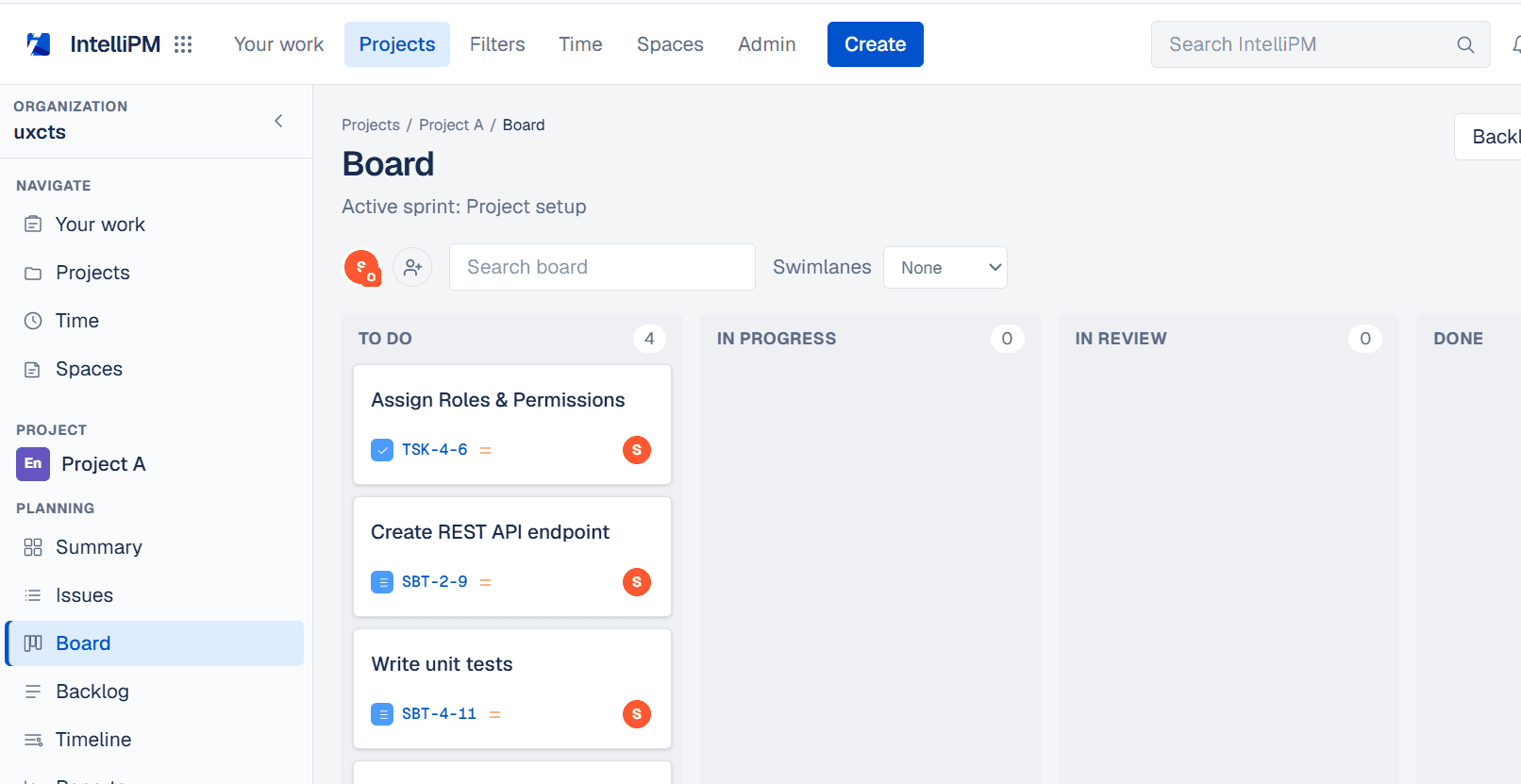
Commit work, sequence dependencies, and keep recurring views for leads and makers.
Reporting, shared login, and commercials—each covers a different job.
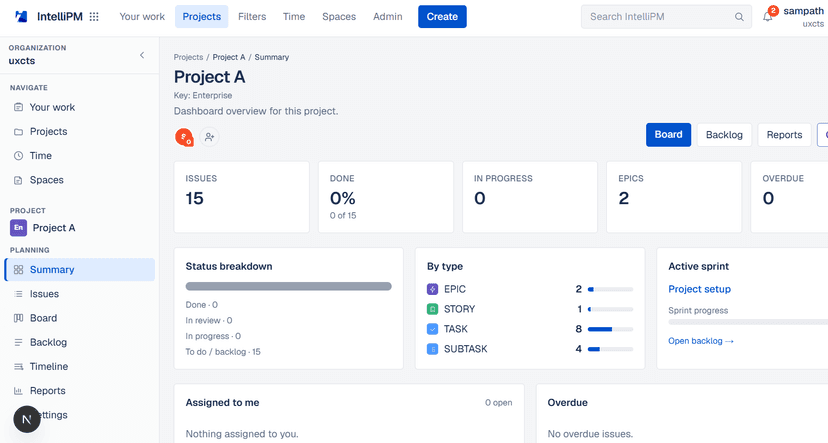
Turn board motion into stakeholder-ready progress—status, load, and trends without rebuilding slides.
One membership model across PM, Docs, Ops, HR, and Payroll—switch products, not passwords.
When scope hits SOW, loading, or invoices, IntelliOps keeps money conversations next to the plan.
CONNECTED SUITE
When delivery needs docs, commercials, or people systems—add the module, not a new vendor.
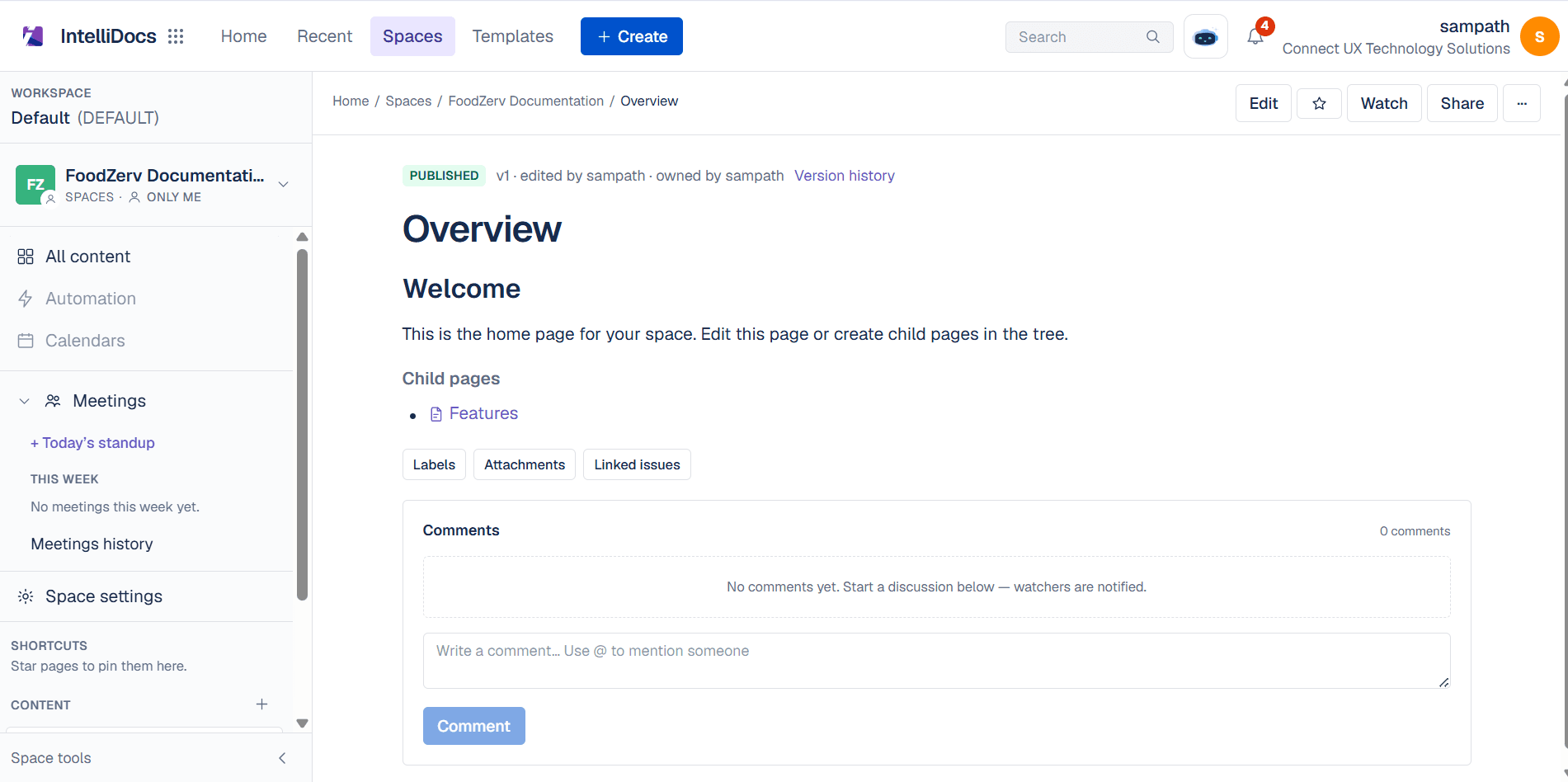

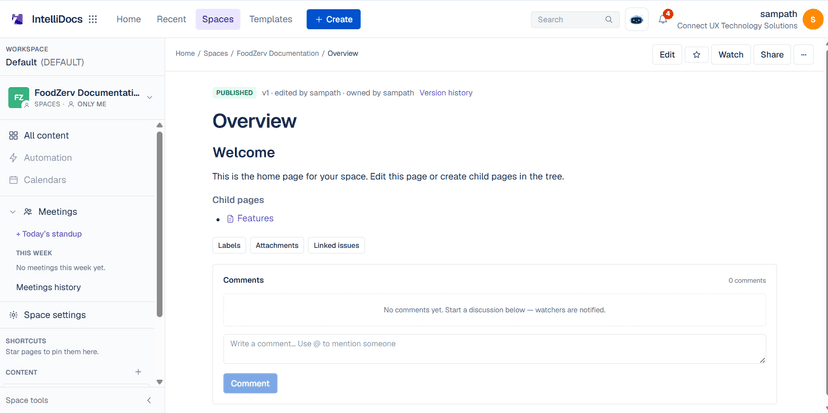
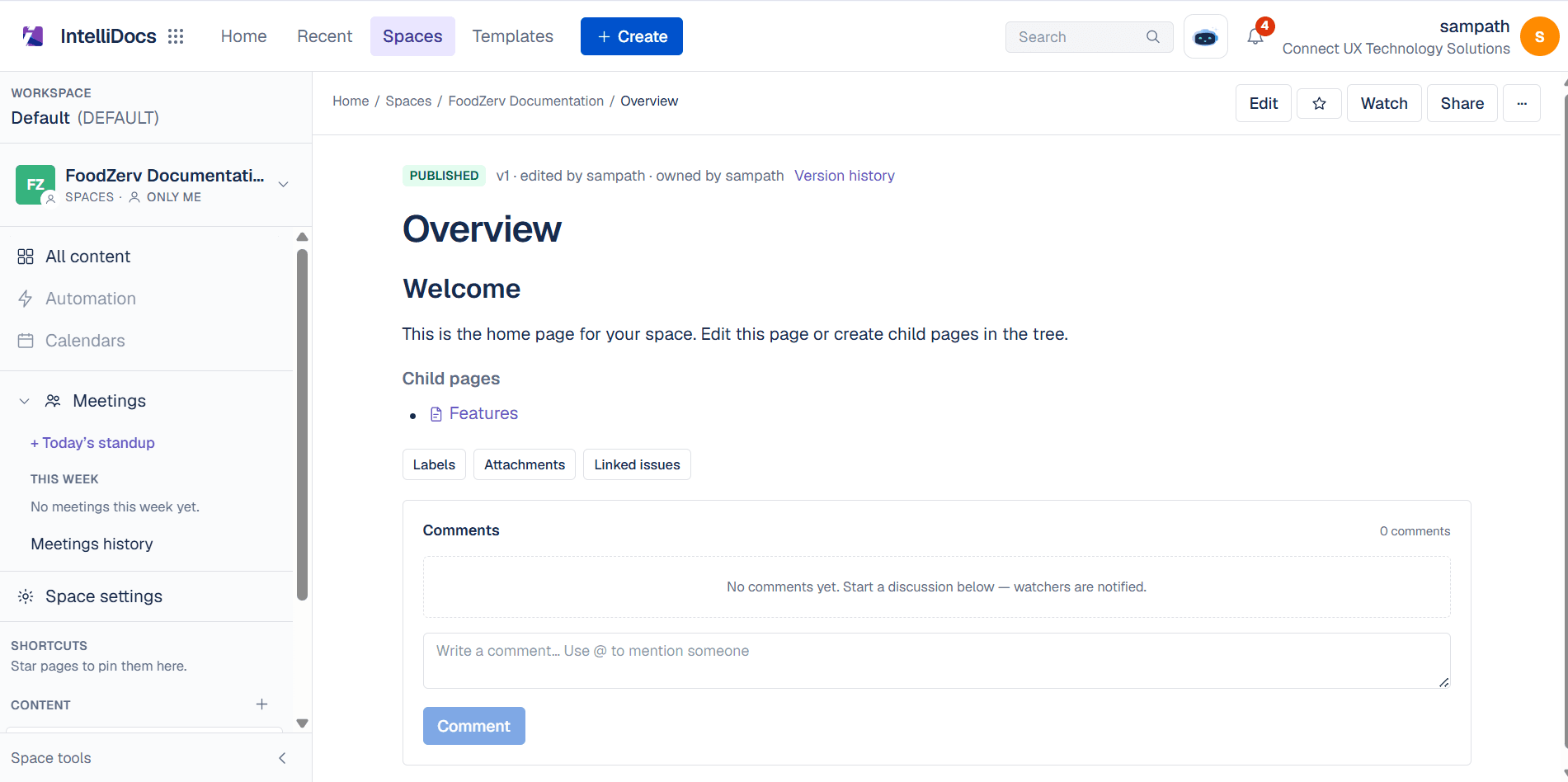
Specs and decisions next to delivery

Commercials without leaving the platform
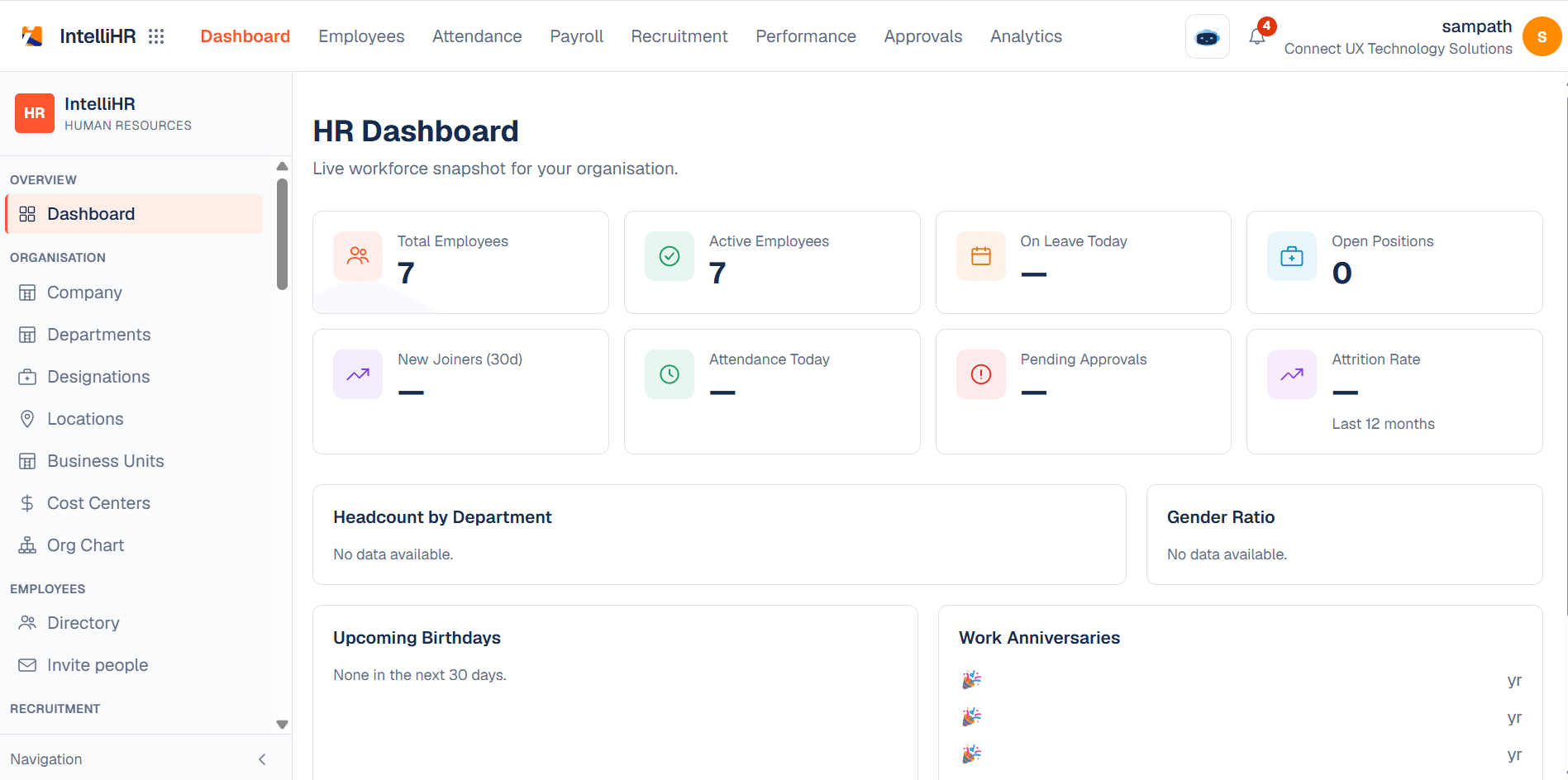

People ops for the same org

IntelliAI · selling points others skip
Tenant-grounded answers, cross-suite questions, and delivery signals from the same workspace you already run—without pasting boards into a public chatbot.
Try IntelliPMIntelliAI reads your live projects and issues inside your org. No paste-into-ChatGPT workflow, no exporting boards for “AI help.”
Ask across delivery and the connected suite—projects, docs, and org context—without hopping products or stitching screenshots.
“What’s stuck?” “Who owns this epic?” “Where are we vs. commit?”—orientation in seconds, not a board archaeology session.
When Ops is in play, AI can sit next to SOW, loading, and invoice reality—so status isn’t divorced from the money conversation.
Surface load, dependency, and slip signals from the same data your board already trusts—before leadership asks for a slide deck.
Built so summaries, guided execution, and future agents reuse your workspace truth—without a parallel “AI data lake.”
More views from the product—filters, issue detail, and delivery surfaces your team will use daily.
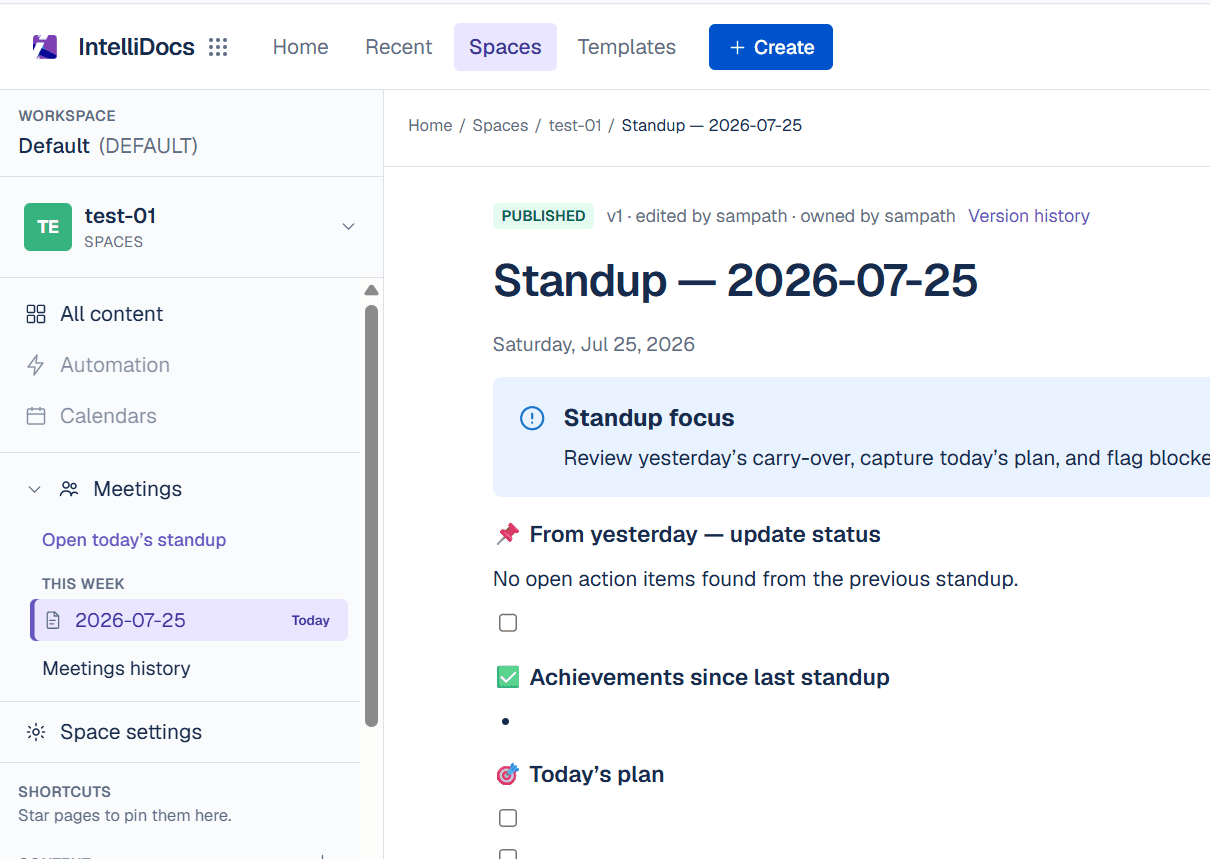
Save the queries leads ask every week—by assignee, label, sprint, or status—and reopen them in one click.
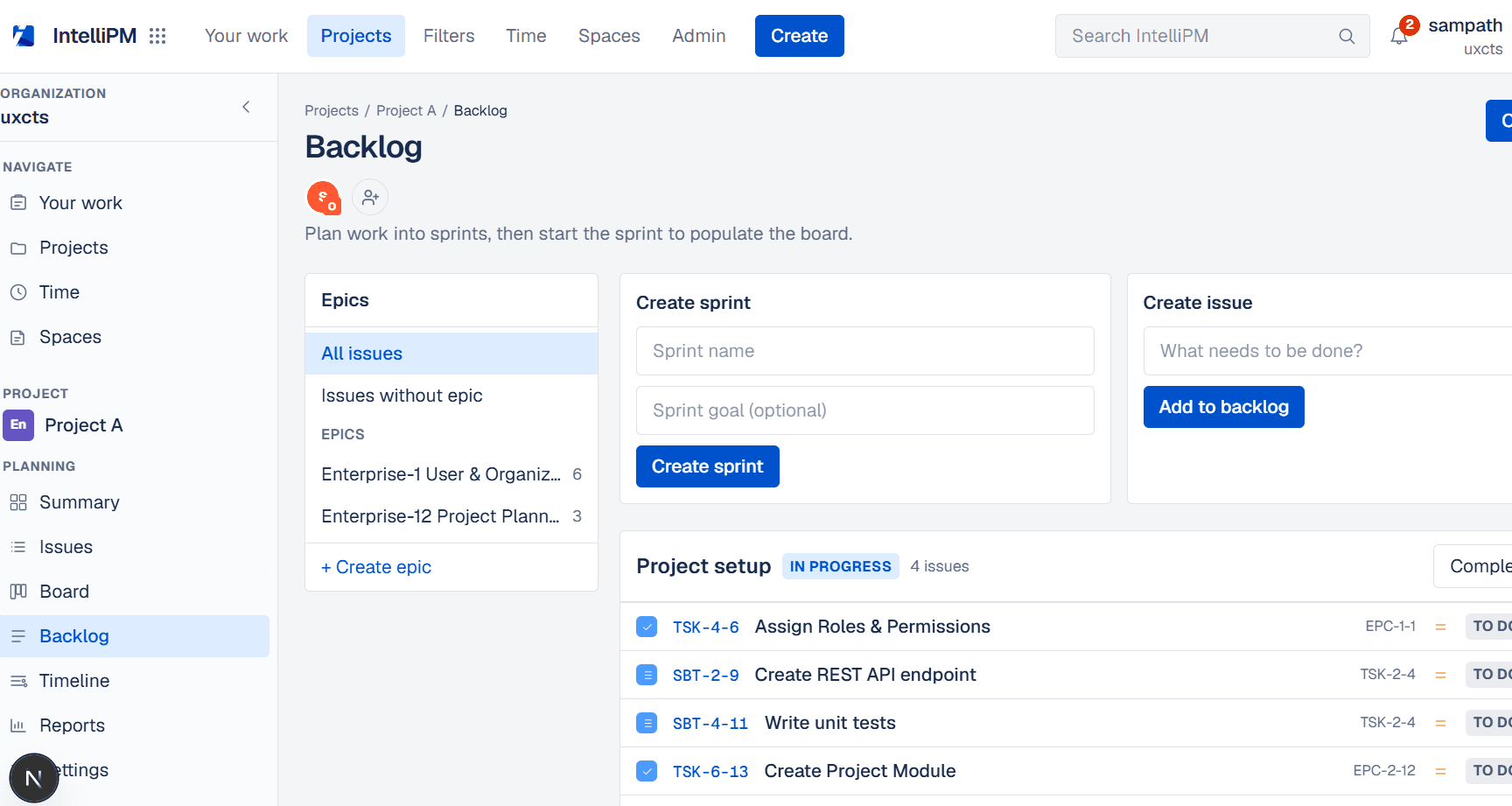
Descriptions, links, children, time, and discussion on one screen so context doesn’t live in a side channel.
Different products, same tenant—so growth doesn’t mean another login stack.
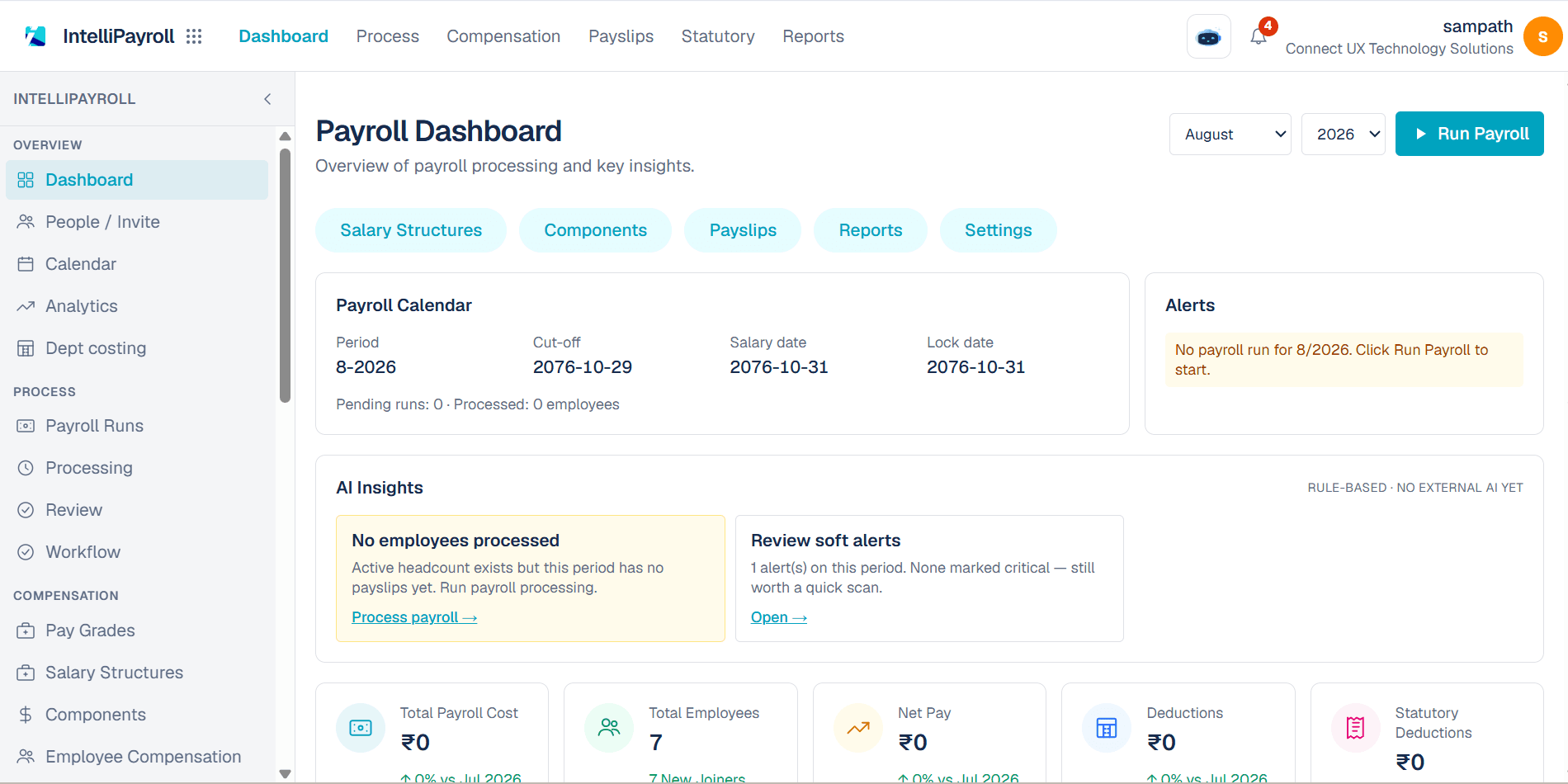
“Sprints and timelines first—documentation that sits next to the work, not in another login.”
Software & product teams
Engineering organizations
“Boards for the build; commercials and loading for the business—without exporting to Excel every Friday.”
Agencies & delivery shops
Services companies
“Start with projects and docs, then add Ops or HR when the company outgrows a single tool.”
Growing small teams
Scaling companies
Compare Starter, Business, Professional, and Enterprise—including modules, seats, and storage.
View pricingRegister in minutes—our team will confirm your plan before access is activated.